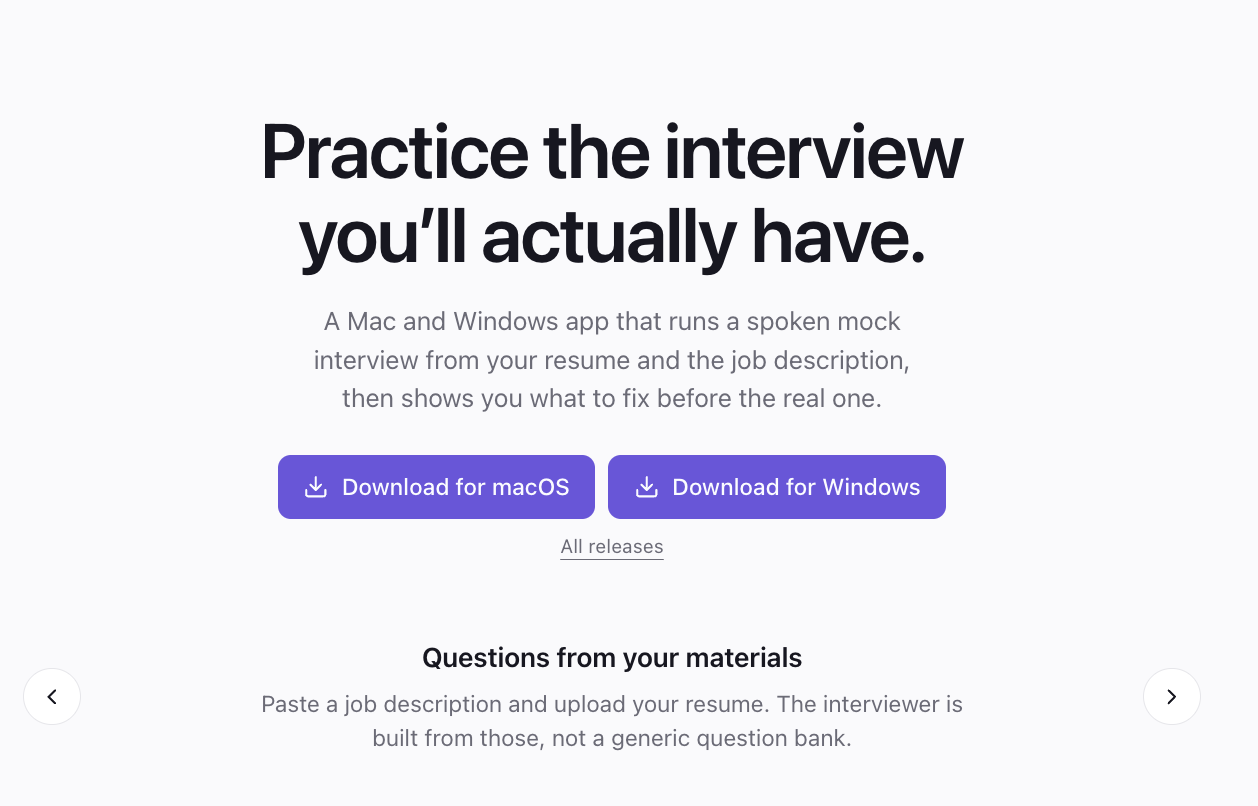
A web app for practicing job interviews out loud: give it your resume and the job you want, talk through a live voice interview with an AI interviewer, then get feedback that quotes your own answers.
Why it exists
Most interview prep comes in two forms. There's the list of generic questions you read through in your head, and there's the friend who has an evening free to play interviewer. Neither is much like the real thing, where someone asks about your resume and this particular job, pushes on what you just said, and you walk out not knowing which answers landed.
InterviewPrep is my attempt at something closer to that, practiced out loud.
What it is
You start with a three-step setup. Add the job description as a file, a link, or pasted text, then add your resume. The server pulls the text out of PDFs, DOCX files and web pages, and a single model call turns all of it into a short profile of you plus a plan of 8 to 10 questions written for that role.
Before the interview starts there's a lobby screen, the kind you get before a video call. It asks for camera and mic access and shows you a live preview. The start button stays disabled until both are allowed, so you can't start an interview with a dead mic.
Then the interview itself. An AI interviewer asks questions out loud, follows up on what you actually said, and wraps up when it's done. Both sides get transcribed as you go.
When it ends you land on a results page: an overall score, a radar chart for clarity, structure, confidence and content, and somewhere between 4 and 8 pieces of feedback. There's also a dashboard with your past sessions, a saved resume you don't have to upload every time, and settings for a default role, seniority and the interviewer's voice.
How the voice call works
The main constraint was keeping the OpenAI API key out of the browser without routing everyone's audio through my server.
When you start an interview, the Express backend writes the interviewer's instructions from your question plan and asks OpenAI for a short-lived token. The browser gets only that token and uses it to open a WebRTC connection straight to OpenAI's Realtime API. So the browser talks to my backend once, to get permission, and then talks to OpenAI directly for the call. Audio never passes through my server, which keeps latency low.
The transcript comes over the same connection. A data channel sends events for each line the interviewer says and each line you say, and every finished line gets saved to the backend as it arrives.
It started on the beta version of the Realtime API and has since been moved to the GA version.
Feedback you can check
AI feedback is easy to write and hard to trust. "Your answer lacked structure" tells you nothing unless you can see which answer it means.
So the feedback prompt has a strict rule: every piece of feedback has to quote your own words, and the quote has to appear word for word in your answers. Each item marks that quote as a strength or a weak spot and suggests a better way to say it. Because the quotes are exact, the results page can find them in the full transcript and highlight them, and you can read the feedback next to the moment it's about.
That only works because the transcript is the real conversation, saved live, and not a summary generated afterwards.
Keeping the interviewer on script
A few rules are written into the prompts. The interviewer speaks English only, asks one question at a time, asks real follow-ups instead of moving down a list, and never asks you to write code live.
There's also a small environment check. At a random moment every 20 to 45 seconds, the app grabs a single frame from your webcam and a vision model writes a short, friendly note about lighting, framing or posture. It never scores you, and the prompt forbids any comment on appearance or identity. It's there to tell you your face is half in shadow, not to judge you.
Sign-in, built by hand
You can sign in with Google or with email and password. I wrote the auth myself on top of Node's built-in crypto module rather than pulling in a library.
Passwords are hashed with scrypt and compared in constant time. Sessions live in an httpOnly cookie signed with HMAC, and Google ID tokens are verified on the server. One case needed handling on purpose: if you sign in with Google using an email that already has a password account, the two get linked and the old password is removed. Without that, someone could register your email first, never verify it, and keep a way in after you arrive through Google.
Every session route also checks who owns the session. Signed out, you get a 401. Signed in but asking for someone else's interview, you get a 404, so the app doesn't even confirm that session exists.
How it's built
It's a monorepo using npm workspaces, split into the Next.js web app, the Express server, and a shared package of types both sides import. The front end is Next.js 16 with React 19, TypeScript and Tailwind v4, with a small set of its own components like the file dropzone, step indicator and score radar. The back end is Express with Prisma on SQLite.
On the AI side, Chat Completions in JSON mode handles the question plan and the feedback, a vision model writes the webcam notes, the Realtime API runs the interview, and Whisper transcribes the candidate.
How it came together
I wrote the spec before any product code: a SPEC.md with requirements, eight acceptance criteria, risks, and a list of things the app would not do. The first working version followed over about two days, September 14 and 15, in four commits: the voice interview, then sign-in, then analytics, then a redesign.
Some things were left out on purpose. No coding or whiteboard tasks. No views for recruiters. Webcam frames are only ever informational.
Where it stands
This is a first version running locally, not something deployed for real users yet. There's no email verification, no password reset and no rate limiting on login, and those need to exist before strangers can sign up.
It also stores data in SQLite and uploaded files on local disk. The deploy plan is Postgres (a one-line change in Prisma), S3 or Cloudflare R2 for files, the web app on Vercel, and the API on Railway, Render or Fly.
After that, the ideas I'd like to get to are tracking your scores across sessions, counting filler words over time, and interview modes tuned to specific companies.