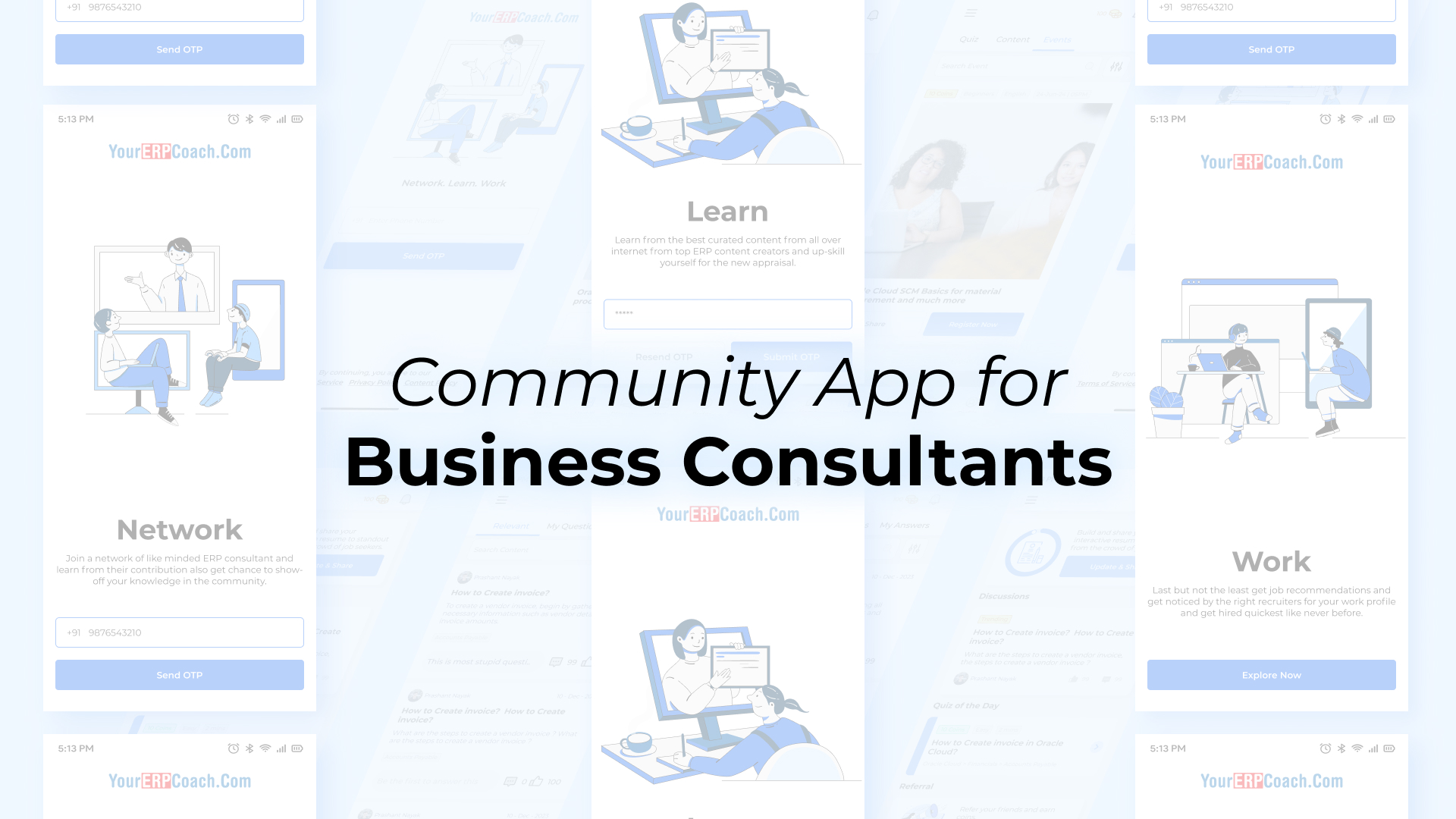
A hybrid mobile app that gives ERP consultants worldwide one place to network, learn, and find work.
Why it exists
ERP consulting is a small world spread across a lot of separate rooms. Someone doing Oracle EBS work in Mumbai and someone doing NetSuite in Toronto are solving the same class of problem, but they have no shared place to compare notes. What consultants actually want, a peer to ask a question, a course on a module they haven't touched yet, a lead on the next contract, ends up scattered across LinkedIn groups and Slack channels that half the members forgot they joined.
What it is
YECC, short for Your ERP Coach Community, is a hybrid mobile app built around that gap. It's a centralized hub for ERP consultants: connect with peers, keep up with the field, and see what's hiring, all in the same app instead of three different ones. Sign-in is OTP based, so getting in is a phone number and a code, nothing to set up first.
The app is organized around three pillars, shown right in the onboarding screens:
- Network: find and connect with other ERP consultants directly, instead of sorting through unrelated groups to find the right people.
- Learn: curated content on ERP tools, trends, and best practices in one feed.
- Work: relevant job openings surfaced in the app itself, so consultants see what's available without checking a separate board.
Where it fits
YECC sits in the same YourERPCoach family as Sherpa and OneSherpa. Sherpa turns a workflow someone already knows into finished training material. OneSherpa turns plain language into ERPNext configuration. YECC takes the professional side of that same world, the people doing the work, and gives them a community built specifically for how ERP consulting actually operates, rather than a generic networking app they have to bend to fit.
What it taught me
YECC is the first mobile app I've designed and shipped myself, and the first time I put something on both the App Store and Google Play. Everything I knew about mobile before this came from using other people's apps, not building one.
Designing for both platforms at once meant learning that iOS and Android don't just look different, they expect different things from a user moving through the app. Getting comfortable with where the two ecosystems agree and where they quietly don't took longer than I expected.
If I built another cross-platform app tomorrow, I'd pick which platform's conventions the design defaults to early, instead of working out the differences screen by screen as I went. That single decision would have saved time I ended up spending twice.
Where to get it
Live on both stores: